


The Essential Steps to Jumpstart your ISO/API Certification Journey!
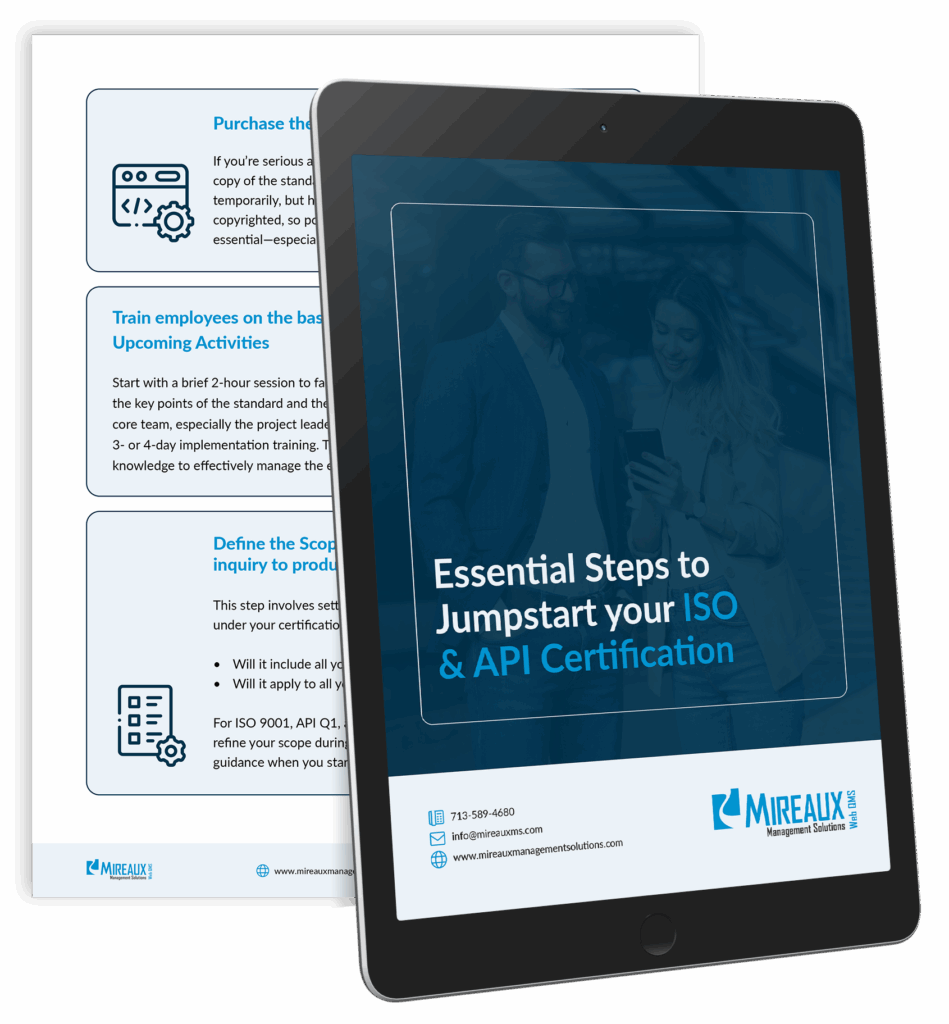
These are the same steps our own Consultants use to successfully guide our clients to achieve ISO/API certification.
Join companies that have transformed their supplier management process
Learn how automating schedules, structuring findings, and minimizing manual work saves time and money while improving performance.
Automate audit scheduling and follow-up to reduce audit time by up to 60%
60% Faster Audits
Achieve better audit outcomes with structured findings and built-in verification steps
90% Improved Quality
Cut audit-related costs by minimizing manual tracking and reporting
40% Reduced Expenses
Discover the tangible features that the Audits app provides to save time, improve audit outcomes, and reduce operational expenses.
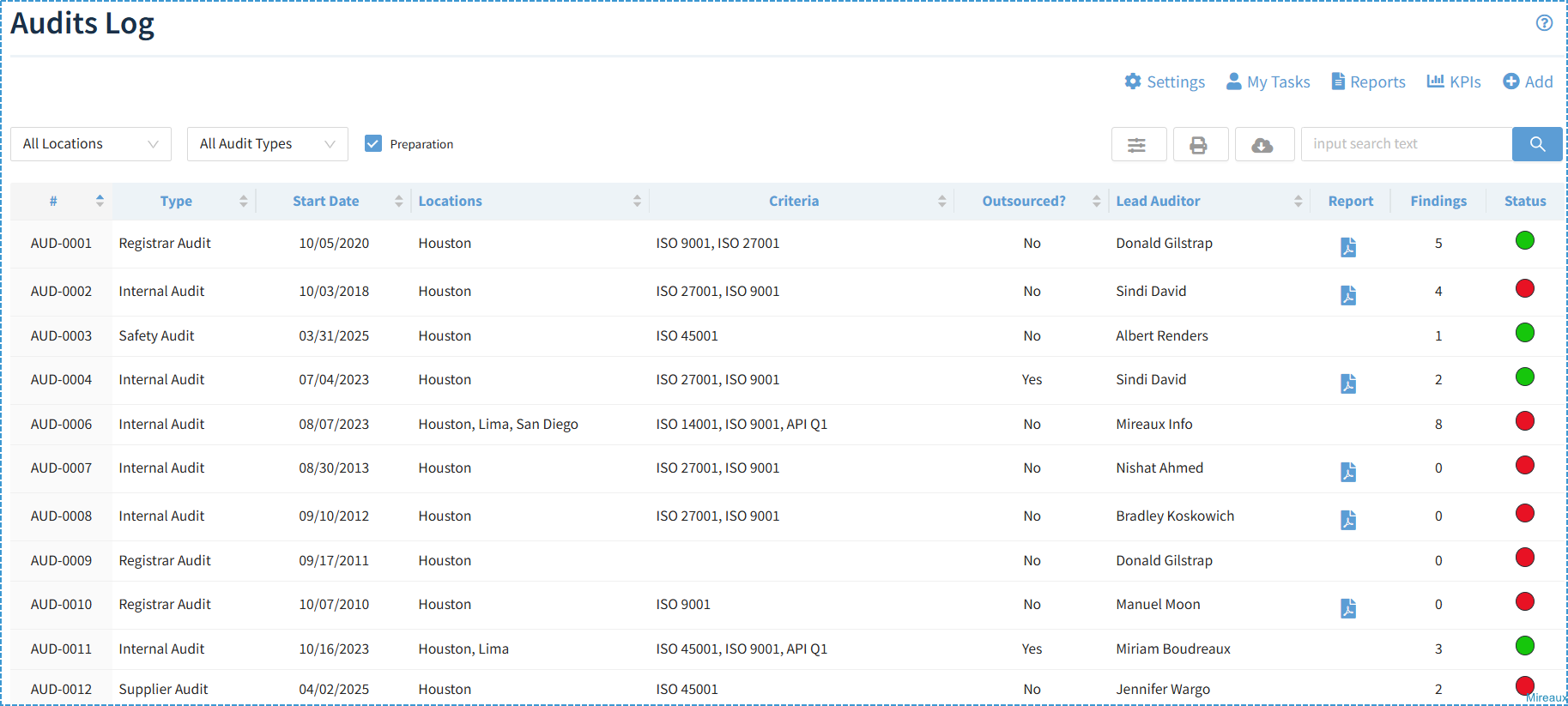
Create and manage your audit programs in one central location, ensuring each audit follows a complete lifecycle
Choose from preset types like Internal Audits, Registrar Audits, and Customer Audits
Customize your own audit types such as Safety Audits, 5S Audits, or Process Audits
Assign Lead Auditors with permission to manage audits
Grant External Auditors access to specific audits—without exposing the rest of Web QMS
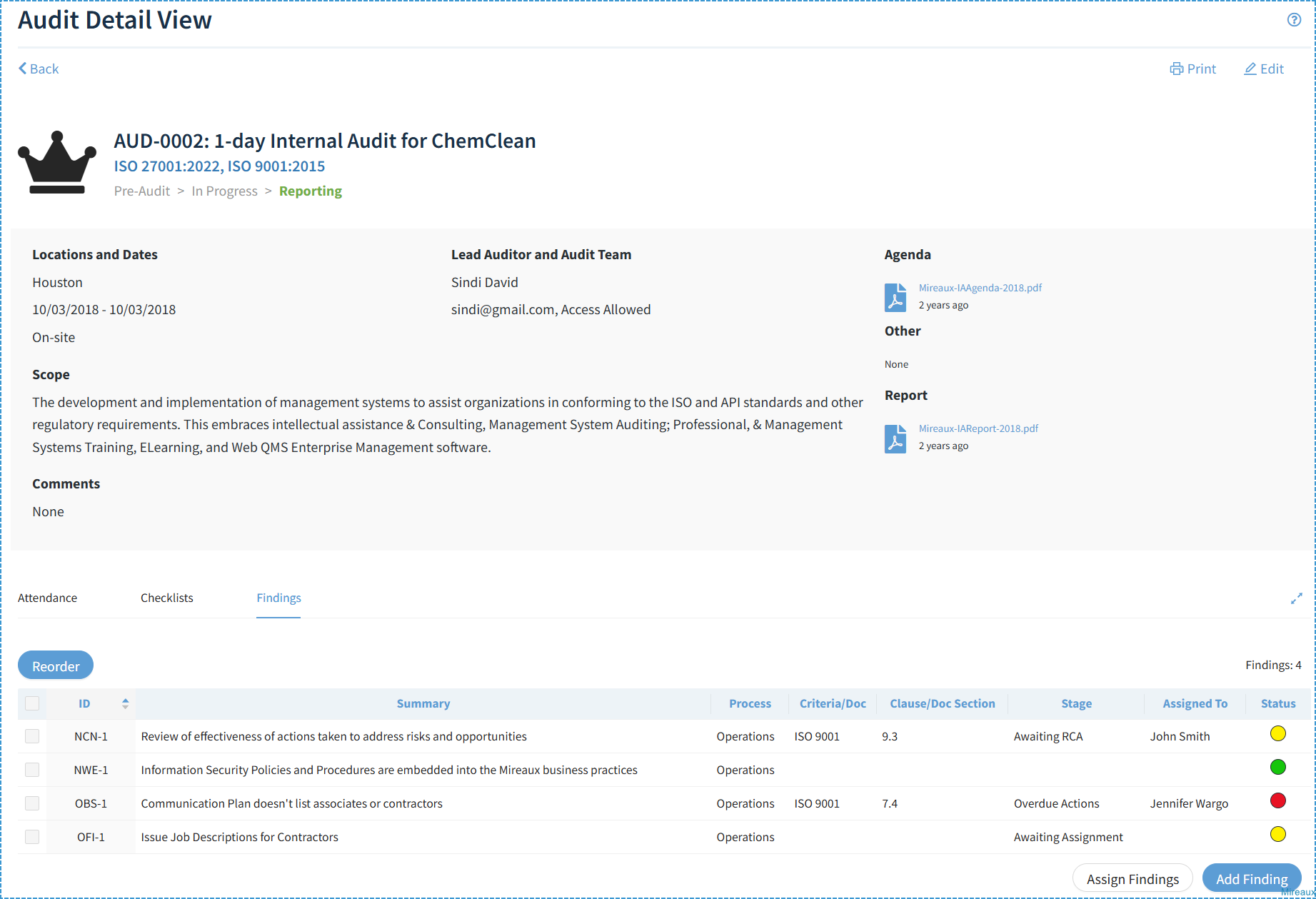
Attach agendas, reports, checklists, and log findings for each audit
Define custom finding types such as Opportunities for Improvement, Observations, Concerns, and Nonconformities
Assign specific employees to complete various stages of a finding, including Root Cause Analysis, Actions, Verification, and Review of Effectiveness
Track the complete audit trail for each finding—when it was created, assigned, verified, and more
Assign user roles so employees can create audits, conduct audits, log findings, or receive alerts
My Tasks: Employees can instantly view assigned tasks such as completing audit attendance, preparing reports, or responding to findings
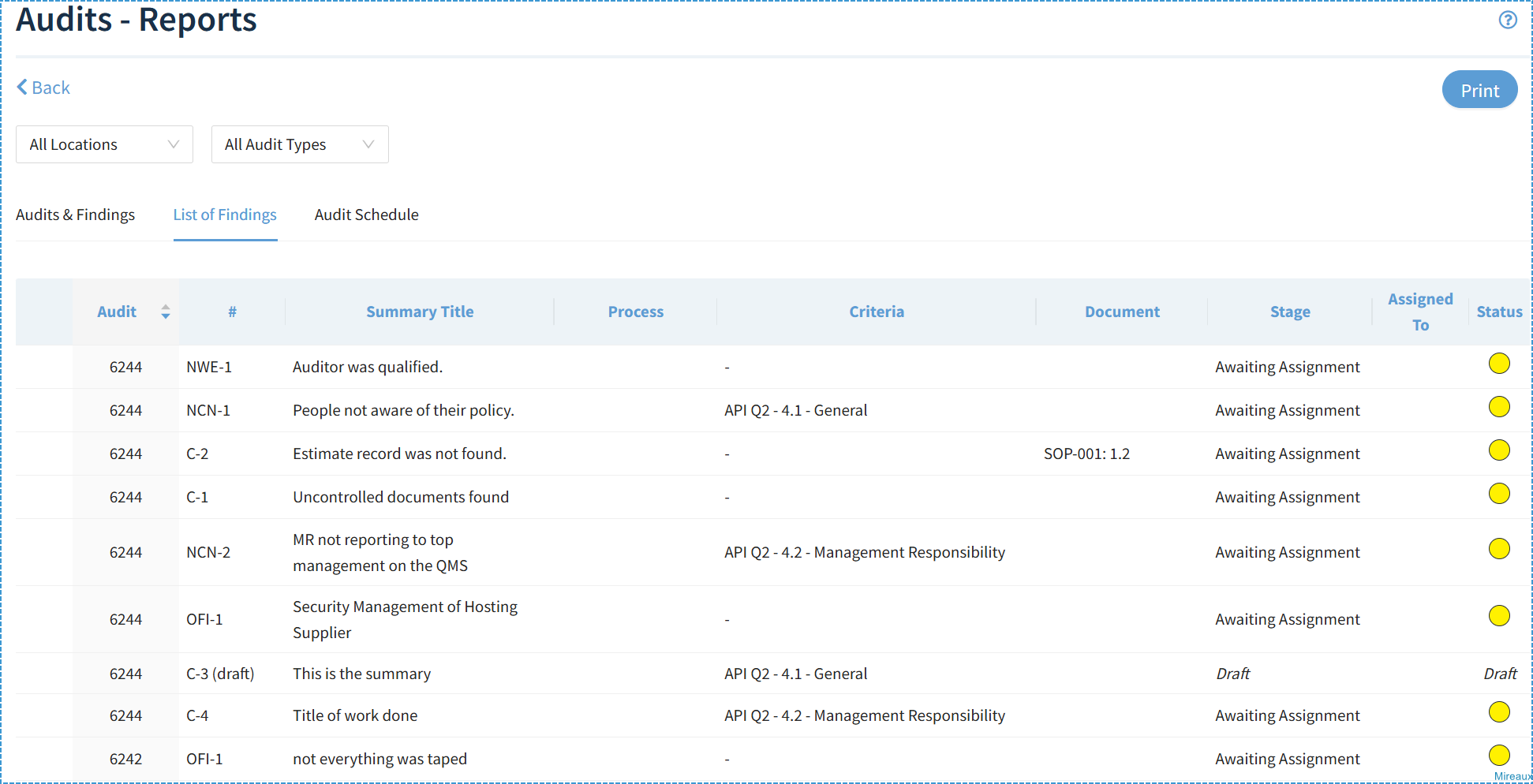
Reports: Instantly view and export detailed audit and finding data
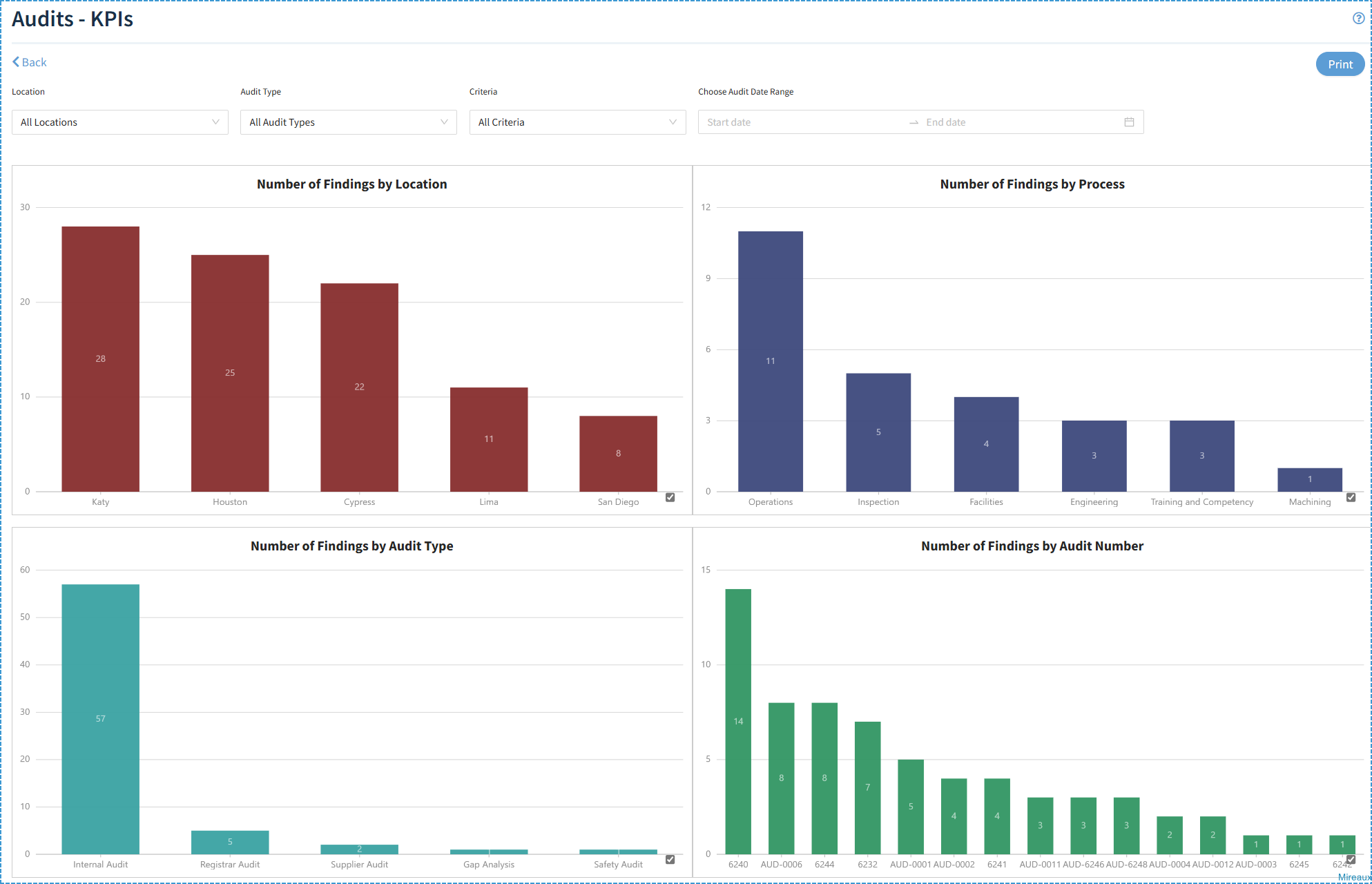
KPIs: Visualize real-time audit program performance and trends
Configure Reminders to notify Audits Admins, Techs, or Employees when tasks are coming due or overdue
Benefit from simple and intuitive navigation, a hallmark of Web QMS apps
Discover how our apps simplify operations, enhance productivity, and streamline compliance.
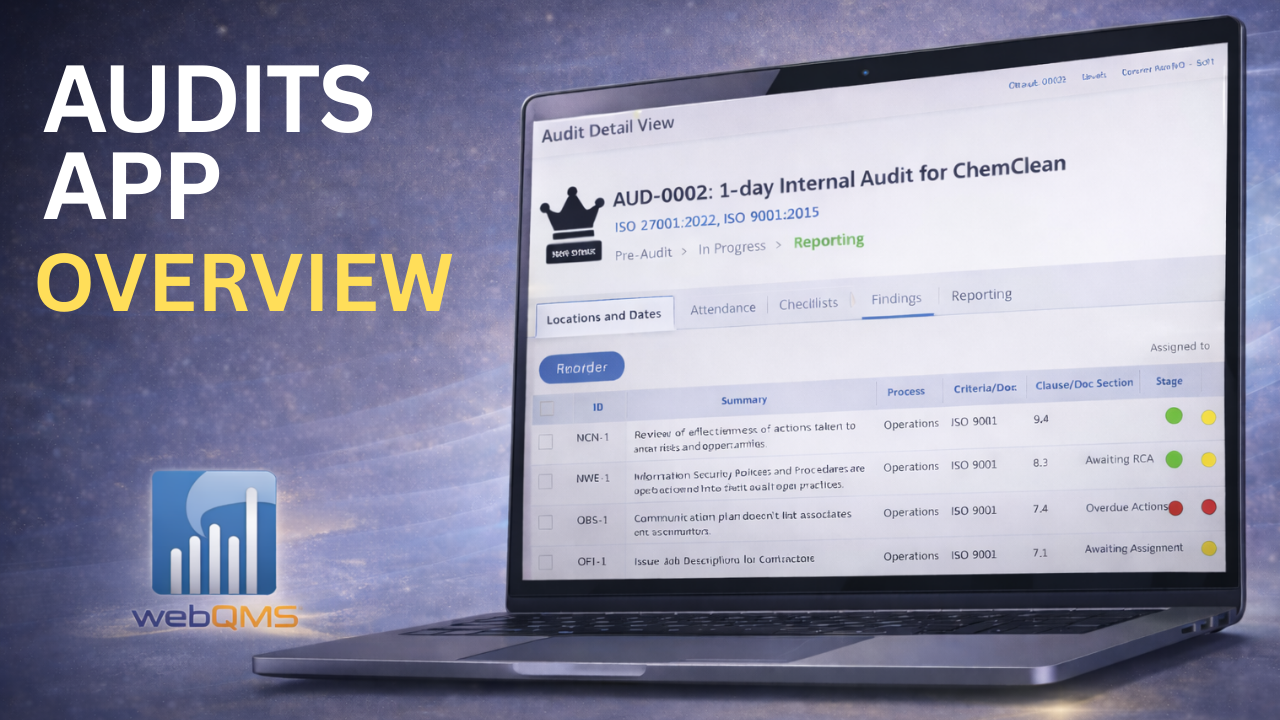
Make data-driven decisions with our comprehensive reporting and KPI features.
Our Audits solution helps organizations maintain compliance with all major industry standards, ensuring seamless operations and regulatory adherence.
Trusted by leading companies across multiple industries for audit management
Yes. All observations/concerns and nonconformities issued in an audit have their own workflow, and therefore an audit cannot be closed if it has outstanding items. Audit nonconformities go through the stages of Root Cause Analysis (RCA), Action, Action Verification, and Review of Effectiveness, ensuring they are taken care appropriately. Reminders are sent out to personnel responsible also.
Absolutely. You can assign access to external auditors on a per-audit basis, allowing them to view or contribute only to specific audits without exposing the rest of your Web QMS environment. This makes it easy to collaborate securely with third parties such as certification bodies, customers, or external consultants during Registrar or Supplier Audits.
Schedule a free consultation to learn how the Audits application
can transform your auditing programs and processes.
Free Essential Guide
These are the same steps our own Consultants use to successfully guide our clients to achieve ISO/API certification.