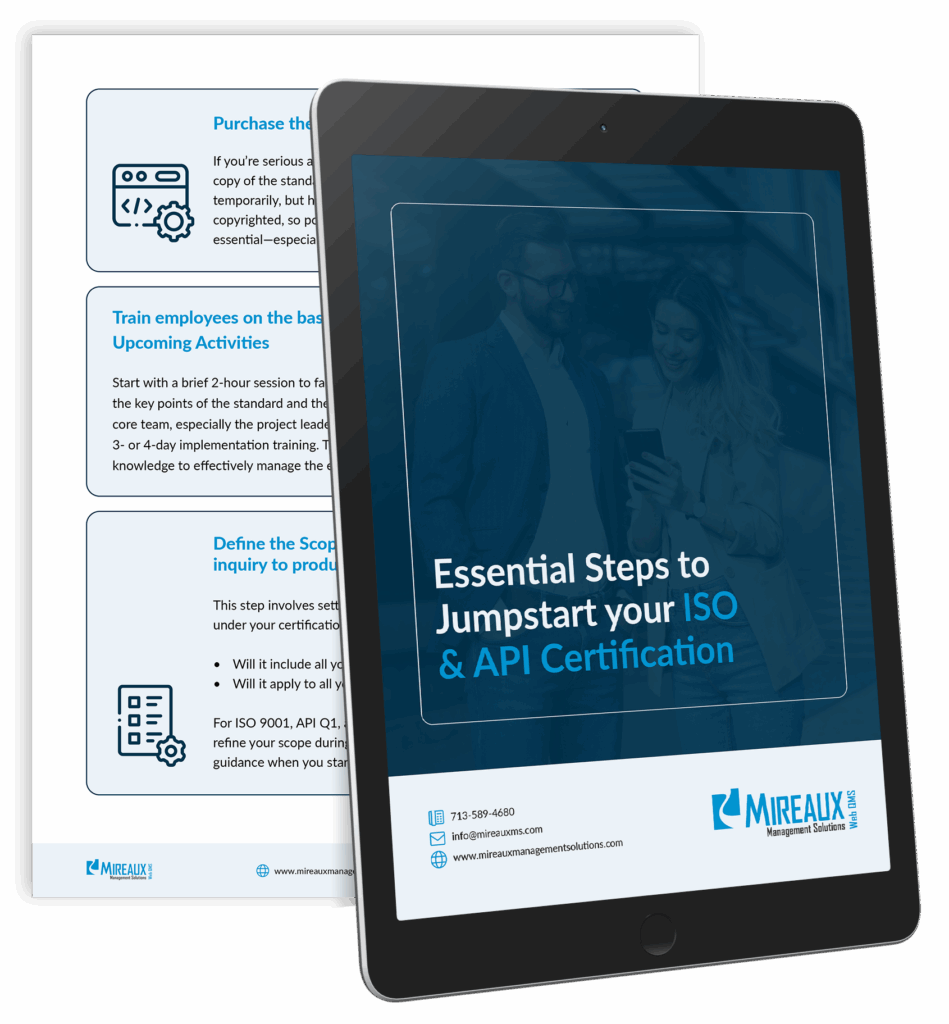
The Essential Steps to Jumpstart your ISO/API Certification Journey!
These are the same steps our own Consultants use to successfully guide our clients to achieve ISO/API certification.
WEB QMS MOBILE
Access selected Web QMS apps from your mobile device to complete work in the field, on the shop floor, in the warehouse, or at a customer site. Sign in with your existing Web QMS credentials and see only the apps enabled for your organization.
Mobile access depends on your Web QMS subscription and user permissions.
Available Now on Web QMS Mobile
We are releasing Web QMS mobile apps in phases. Asset Management is the first public app now available, with more apps coming soon.
Web QMS Mobile helps teams complete key management system tasks where the work actually happens.
COMING SOON
MMS Auditing is the first mobile app available within the Web QMS Mobile platform.
Install the app from your device’s app store.
Scan with your phone to download:
After installing the app, sign in using your existing Web QMS credentials.
If you need access, contact your Web QMS administrator or the Mireaux support team.
No. Use your existing Web QMS username and password.
Yes. Asset Management is currently the first mobile app available. Additional Web QMS apps are planned for future releases.
No. If you have an active account on Web QMS then you can use the mobile app on your phone, tablet or other device.
Yes. Web QMS Mobile is available in both the Apple App Store and Google Play Store.
Download the app today and start accessing Web QMS from your mobile device.
Free Essential Guide
These are the same steps our own Consultants use to successfully guide our clients to achieve ISO/API certification.
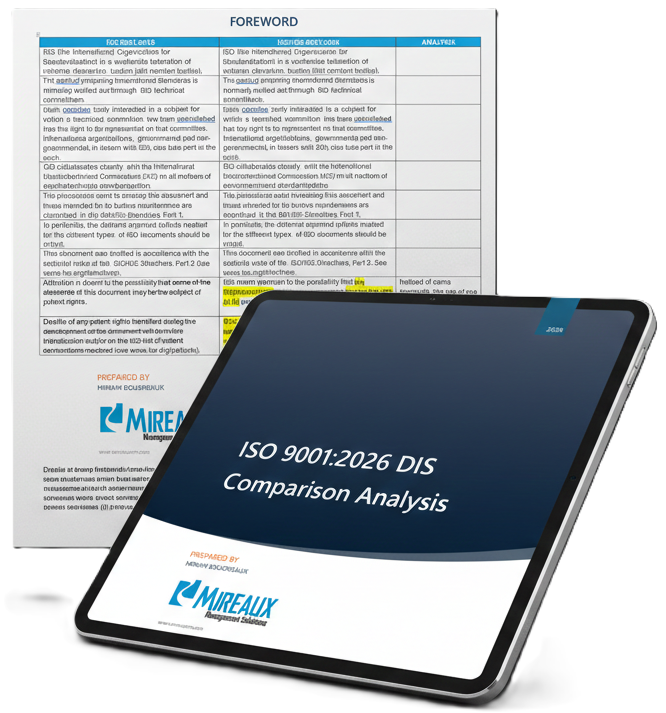
DRAFT STANDARD ANALYSIS
We are actively reviewing the ISO 9001:2026 Draft International Standard and documenting key observations, wording and interpretation changes.
Sign up to receive one section of our analysis per week: