WEB QMS MOBILE

Your Web QMS Apps, Available Wherever Work Happens

Access selected Web QMS apps from your mobile device to complete work in the field, on the shop floor, in the warehouse, or at a customer site. Sign in with your existing Web QMS credentials and see only the apps enabled for your organization.

Mobile access depends on your Web QMS subscription and user permissions.

Available Now on Web QMS Mobile

Asset Management

Keep up with calibration and maintenance activities without the need of paperwork.

Audits

Capture audit information where the work takes place.
  • View audit details and documents
  • Record audit attendance
  • Complete checklists and save drafts
  • Create and submit audit findings
  • Attach photos and supporting files
  • Record and highlight requirements

Lessons Learned

Capture and follow up on organizational knowledge wherever work happens.
  • View events and related lessons
  • Create and update lessons
  • Attach supporting photos and files
  • Review and complete root cause analysis and corrective action assignments
  • Complete assigned actions
  • Verify results when authorized

Nonconformance Reporting (NCR)

View, create, and manage nonconformance reports from your mobile device.
  • View existing NCR records
  • Create new nonconformance reports
  • Review NCRs and recommend dispositions
  • Complete assigned actions and attach photos or files
  • Conduct root cause analysis and assign actions
  • Verify actions and review corrective action effectiveness
Access and available actions depend on your organization’s enabled apps, your assigned permissions, and the record’s current status.

Built for Work Outside the Desk

Web QMS Mobile helps teams complete key management system tasks where the work actually happens.

Less Paperwork. More Real-Time Visibility

COMING SOON

More Web QMS Apps Are Coming to Mobile

We are expanding Web QMS Mobile in phases. Future releases are planned to bring more of your organization’s Web QMS apps to mobile devices.

Download Web QMS Mobile

Install the app from your device’s app store.

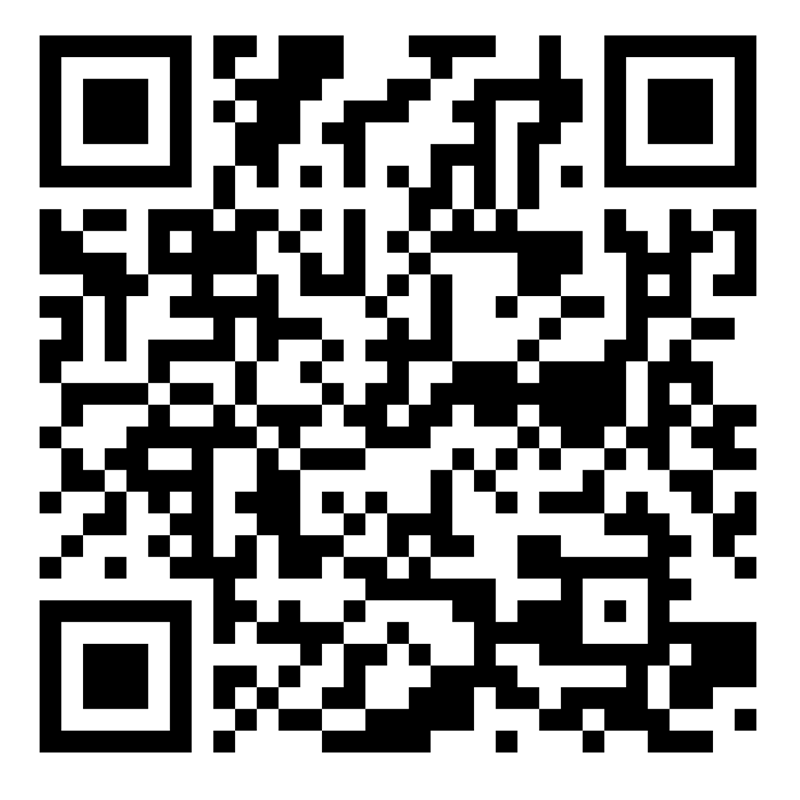
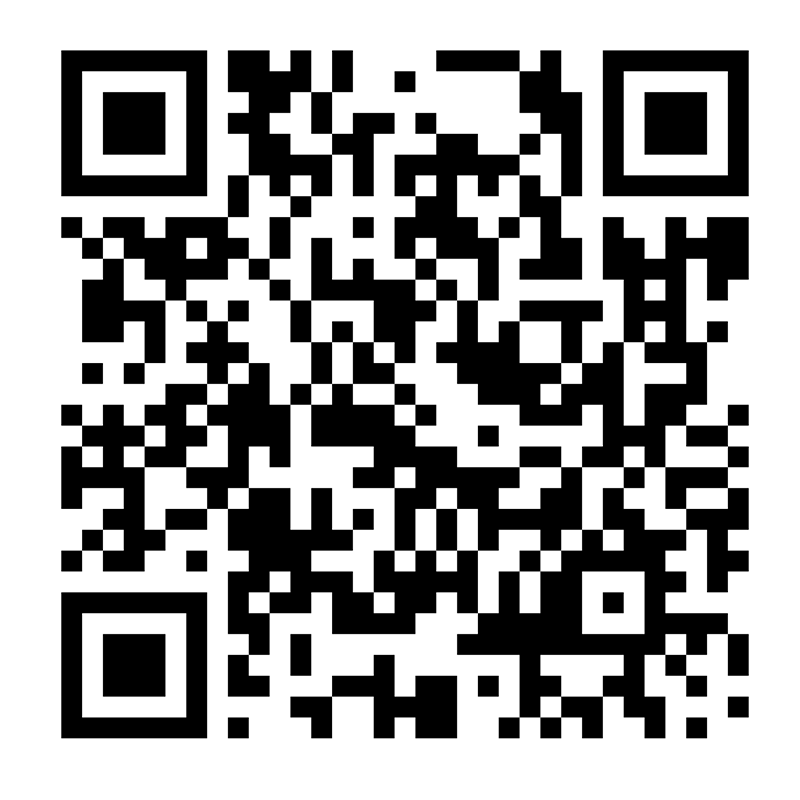
Scan with your phone to download:

How to Sign In

Web QMS Mobile requires an account provided by a participating organization. Access is available to authorized employees and other users approved by that organization. Sign in using your existing Web QMS credentials. If you need access, contact your Web QMS administrator or the Mireaux support team.

Frequently Asked Questions

No. Use your existing Web QMS username and password.

Asset Management, Audits, Lessons Learned, and Nonconformance Reporting (NCR) are available now in Web QMS Mobile on iPhone, iPad, and Android. The apps you can access and the actions you can perform depend on your organization’s subscription, enabled apps, assigned permissions, and the status of each record. Additional apps are planned for future releases.
No. If you have an active account on Web QMS then you can use the mobile app on your phone, tablet or other device.

Download Web QMS Mobile from the Apple App Store for iPhone and iPad, or from Google Play for Android devices. Asset Management, Audits, Lessons Learned, and Nonconformance Reporting (NCR) are available through the same Web QMS Mobile app.

Ready to Use Web QMS Mobile?

Download the app today and start accessing Web QMS from your mobile device.

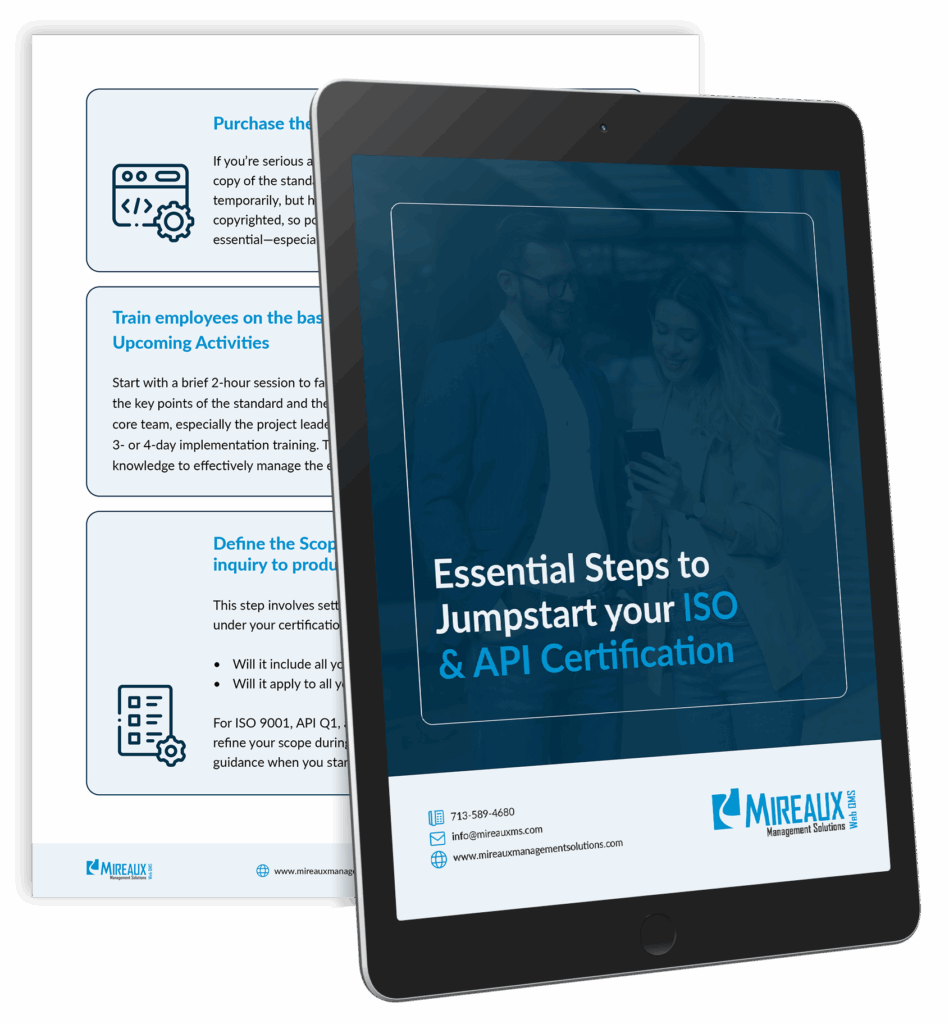
Free Essential Guide

The Essential Steps to Jumpstart your ISO/API Certification Journey!

These are the same steps our own Consultants use to successfully guide our clients to achieve ISO/API certification.